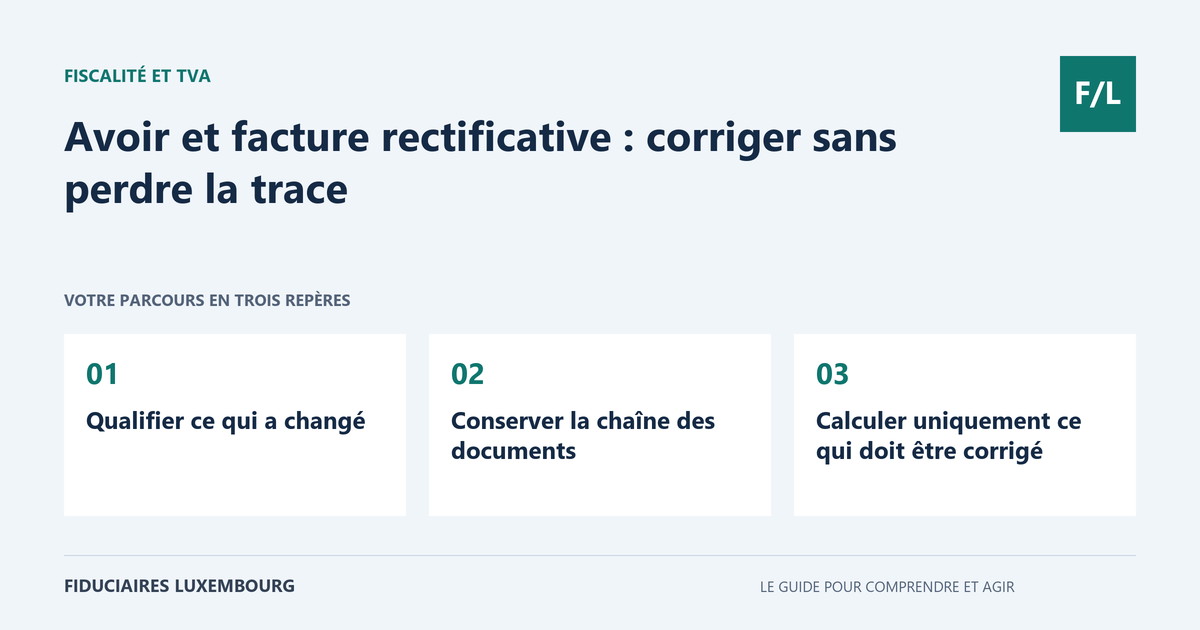
Your client reports an error after receiving the invoice. The temptation is to reopen the document, change the amount and send it again under the same name. But the client may already have recorded the first version. So may your firm. To bring everyone into agreement, you need an identifiable correction and monitoring of the balance. Here is how to prepare this work without losing the history of the transaction.
The framework to check
Article 63 of the VAT law provides that a corrective document must refer unambiguously to the original invoice and identify the details amended. The integrity of the document and its history must be preserved. The reason for the correction, its tax effect and the filing period require an analysis specific to the situation. A late payment does not automatically become a price reduction. For a public electronic invoice already submitted, the official process provides for a new correct issue and, depending on the case, a credit note.
Identify what has changed
Start by setting out the reason in one precise sentence. The agreed price was different, part of the goods was returned, a service was cancelled, the recipient is incorrect or the document was issued twice. These situations are not all corrected in the same way. Gather the agreement, the client's request and proof of the return where applicable.
Distinguish an original error from an event occurring after a correct invoice. A discount negotiated subsequently must be documented as such. Do not turn a disputed invoice into a credit note merely to remove the delay from the monitoring table. The commercial disagreement and its possible resolution need their own audit trail.
Keep the chain of documents
Keep the original document as it was issued and record the correction in your process. Include a reference that makes it possible to find the relevant invoice, together with the items actually amended. If several invoices are affected, prepare a reconciliation table: a general explanation must not make the amounts impossible to track.
A credit note is used in particular to reduce or cancel an invoiced amount. However, a correction is not always limited to a negative amount. Choose the form appropriate to the error and the software. The document sent to the client, the supporting document provided to the firm and the portal data must describe the same transaction.
Calculate only what needs to be corrected
For a partial reduction, identify the relevant lines, quantities, discounts and taxes. Avoid applying an overall percentage if the lines receive different treatment. Also check deposits and previous corrections: the same reduction must not be granted twice because two people respond to the client.
A VAT error requires more than a new total. Provide the professional with the initial situation, the reason and the corrected documents to review the relevant tax and return. Do not unilaterally deduct an amount from a future payment to the authorities. A proper audit trail links the cause, the calculation and the documents supporting the correction.
Reconcile the balance and payment
After recording, compare the original amount, credit notes, payments received and the remaining balance. An invoice that is still unpaid may be reduced without a refund. An invoice already paid may result in an amount being returned or an agreement on a future allocation. Document this choice with the client rather than leaving an unexplained negative line in their account.
Before any refund, check the beneficiary and bank details in accordance with your usual procedure. Keep the bank evidence and allocate the transaction to the correct file. If several invoices remain open, specify precisely the allocation selected. The final reconciliation must allow another person to understand why the client account is settled or remains in debit.
Close the file and prevent recurrence
Inform the billing contact of the correction and confirm receipt. In an electronic process, also monitor the technical status: a document prepared or sent is not necessarily accepted. For public procurement contracts, use the procedures provided for invoices and credit notes; the transmission service does not correct on your behalf the content already submitted.
Then identify the recurring cause. Price errors may result from an out-of-date catalogue; incorrect entities, from an incomplete client record; duplicates, from two uncoordinated issuing channels. Correct this point in your invoicing procedure. Monthly monitoring of reasons is often more informative than a simple total of credit notes.
The table to take action
| Situation | Original invoice | Credit note | Already paid | Financial next step |
|---|---|---|---|---|
| Reduction before payment | 1 000 € | 200 € | 0 € | 800 € remain payable |
| Reduction after payment | 1 000 € | 200 € | 1 000 € | 200 € to refund or allocate according to the agreement |
| Full cancellation before payment | 1 000 € | 1 000 € | 0 € | Zero balance after reconciliation |
| Payment received twice | 1 000 € | To be analysed: no automatic price reduction | 2 000 € | Process the overpayment separately |
A partial return, two records to reconcile
Fictitious example: a supplier invoices ten items, then accepts the return of two items in accordance with the agreement concluded. The logistics team confirms receipt and the condition of the goods. The administration identifies the invoice, the lines and the reduction conditions. After validation, it issues the corrective document and sends it to the firm. The client had already paid the full amount: a refund is then made and reconciled separately. The file therefore retains proof of the return, the corrective document and the bank transaction. If the return had been refused or if the goods had been replaced without a price reduction, the treatment would have had to be reviewed instead of automatically issuing the same credit note.
Your preparation checklist
- Describe the reason and gather supporting evidence.
- Check corrections already recorded.
- Clearly identify the invoice and the items concerned.
- Have the VAT and filing period reviewed.
- Send the corrective document to the client and the firm.
- Reconcile the client account with payments.
- Keep separate evidence of any refund.
Frequently asked questions
Does a credit note mean that the client has been refunded?
No. It corrects the invoiced amount. The refund or allocation of the credit must be monitored separately.
Does a duplicate payment require cancelling part of the sale?
Not automatically. It may be an overpayment to be refunded, while the invoice and the price remain correct.
Can the original invoice be deleted from the file?
Keep it together with the correction and the necessary references. Deleting the history prevents an understanding of the documents already received and recorded by the parties.
Useful terms in this guide
Questions to ask the professional
- Which document should be used for this specific reason?
- Which returns need to be corrected and for which period?
- How should client credits and refunds be reconciled in our software?
To clarify the assignment to be entrusted, also consult our taxation section.
And for your situation?
To resolve a correction, gather the invoice, the reason, the correspondence and the payment status. This small file avoids a great deal of back-and-forth. If you have any doubt about the document or VAT, search the directory of professionals for a professional who can review the situation using these materials.
Sources and verification
References consulted on 20 September 2026. Official procedures specify the applicable conditions and exceptions.
- AED — loi TVA coordonnée au 1er janvier 2026
- Ministère de la Digitalisation — facturation électronique, dossiers et FAQ
This guide explains a general process. The applicable rules depend on your situation; it does not constitute personalised advice. Report a correction.
Your next step
A specific need deserves the right contact
Accounting, taxation, company formation or payroll: prepare your questions, then search the directory for the professional who can review your situation. Check their assignments and status before entrusting them with your file.