Payroll is calculated each month, but errors often begin well before the calculation: an absence reported too late, a bonus without validation or a change in working hours left in an email. Good organisation consists of submitting events in a clear format and checking how they are processed. Here is a method for building a payroll calendar that remains usable even during the absences of the usual person in charge.
The framework to check
Remuneration and hours must be declared monthly to the CCSS according to their nature. The filing and payment of RTS tax withholdings follow a frequency depending on the amounts; they are due within ten days following the relevant period. Since 2025, RTS filing with the ACD has been electronic. The internal collection calendar does not alter the employee's rights or the applicable statutory deadlines.
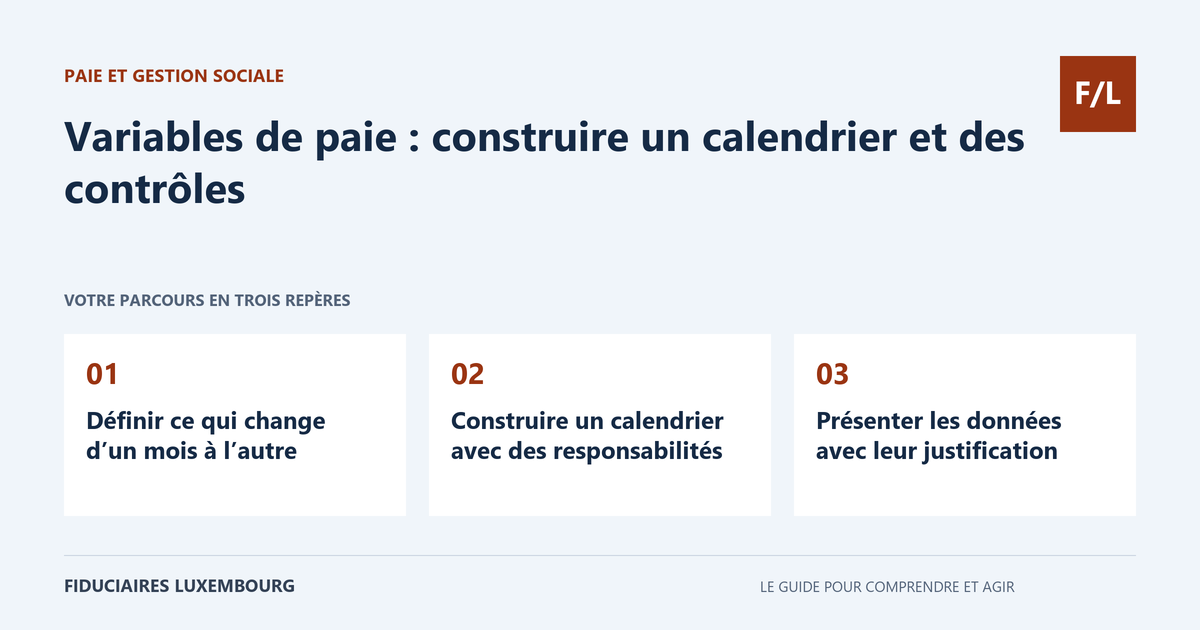
Define what changes from one month to the next
Draw up a list of events that may alter processing: joiners, leavers, hours, absences, leave, bonuses, benefits or a relevant change in circumstances. For each item, indicate who provides the information and which document supports it. The aim is not to ask all managers to become payroll specialists, but to enable them to submit precise facts.
Separate permanent parameters from the month's variables. A new base salary must not be presented as a one-off bonus. A contract amendment must be linked to its effective date. Also retain the distinction between the event itself and the date on which it is reported, as late information may require a correction for a previous period.
Build a calendar with responsibilities
Provide for a collection date, a review of the information, a preliminary calculation and validation before payment. Allow time to resolve questions. This is a proposed work calendar, to be adapted to the applicable obligations and payment date, not a new deadline imposed on the employee for asserting their rights.
Name a substitute for each essential function. The person who validates a bonus is not necessarily the one who enters the hours or executes the payment. If payroll is outsourced, specify in the engagement who makes each filing and who monitors the responses. A task assigned without expected evidence may remain unfinished without anyone noticing.
Present data together with its justification
Use a shared table including employee, period, nature of the event, quantity or amount, effective date, supporting document and validation. Avoid cells containing several contradictory instructions. If information is uncertain, flag it explicitly. The professional must be able to distinguish a validated amount from an assumption or a matter to be reviewed.
For hours and absences, reconcile the actual calendar with the reporting categories. The CCSS requires paid hours corresponding to the relevant items, not an average of 173 hours automatically applied to every month. Do not reclassify a complex event yourself to make the table fit into a box: submit the facts and request the appropriate treatment.
Check discrepancies before payment
Compare the draft payslip with the previous month and the expected changes. A variation in net pay may be normal, but it must have an explanation. Check mid-month joiners, significant bonuses and changes in working time. Reconcile the number of employees processed with the list of persons concerned to identify omissions.
Also check the totals in the payment file and the authorised beneficiaries, in accordance with your internal procedure. A payslip correction after preparation of the payment must lead to a new check of the amounts to be paid. Keep the validated version rather than several almost identical files where no one knows which one was used.
Monitor filings and their responses
The SECUline system notably allows the transmission of salaries via DECSAL. The technical calendar published by the CCSS provides for submission no later than the 24th of the following month to avoid reminders; it does not replace either the other applicable filing deadlines or the salary payment date. Check the calendar corresponding to the channel used with the payroll manager.
A submitted file may generate a response indicating invalid data or missing salaries. Designate the person who will handle it until resolution. Track the tax filing, its payment and social security contributions separately. Then reconcile payroll with the accounts and the bank so that discrepancies do not accumulate until closing.
Correct without erasing the record
When an error is discovered, identify the period and documents affected. Ask which payslip, filing and payment corrections are necessary. A simple informal offset in the following month may conceal the source of the problem. Retain the reason and the link between the initial version and the corrected version.
Limit access to salary information to the people who need it. Variable tables must not circulate in shared spaces without controls. Choose an appropriate transmission channel and remove access that is no longer needed. A short procedure that is known and genuinely followed protects information better than a theoretical file ignored in day-to-day work.
The table for taking action
| Step | Person to designate as responsible | Expected result |
|---|---|---|
| Collection | Managers and administration | Complete events and supporting documents |
| Validation | Authorised person | Amounts and dates confirmed |
| Calculation | Payroll manager | Draft and questions flagged |
| Review | Employer representative | Discrepancies explained |
| Payment | Bank-authorised person | Amounts corresponding to the validated version |
| Filings | Employer or authorised representative | Responses checked and issues resolved |
A forgotten bonus after validation of the payment file
Fictitious example: a validated bonus arrives after preparation of the transfers. The person in charge sends it to the payroll manager, who reviews the required correction. The team then checks the payslip, the payment total and the data to be declared, rather than changing only the transfer. The previous version is retained with the reason for the change. The following month, the bonus does not mistakenly reappear in recurring variables. This case illustrates the usefulness of version tracking: a change affects several stages and must be propagated consistently.
Your preparation checklist
- List the variables and expected supporting documents.
- Distinguish permanent parameters from one-off events.
- Set collection, validation and review steps with substitutes.
- Flag effective dates and uncertain information.
- Explain payslip discrepancies.
- Reconcile payment with the validated version.
- Process social security and tax responses.
- Keep corrections and restrict access.
Frequently asked questions
Does an internal cut-off date allow late information to be ignored?
No. The necessary processing and correction must be reviewed in accordance with the applicable rights and obligations.
Is sending the file enough to complete the filing?
You must check the responses and resolve errors or missing data.
Must 173 hours always be declared?
No. The calendar and the rules for reporting categories must be taken into account. An automatic average does not replace this review.
Useful terms in this guide
Questions to ask the professional
- Which events must we submit and in what format?
- Who validates discrepancies and corrections?
- What evidence will we receive after the filings?
To clarify the engagement to be assigned, also consult our payroll and social administration file.
What about your situation?
Prepare an example of your variables and the list of difficulties from the past month. To make the process more reliable, search our directory for a professional who explains their calendar, controls and the allocation of responsibilities with your team.
Sources and verification
References consulted on 20 September 2026. Official procedures specify the applicable conditions and exceptions.
- CCSS — déclaration des rémunérations
- CCSS — déclaration mensuelle DECSAL
- ACD — déclaration des retenues sur rémunérations
This guide explains a general process. The applicable rules depend on your situation; it does not constitute personalised advice. Report a correction.
Your next step
A specific need deserves the right contact
Accounting, taxation, company formation or payroll: prepare your questions, then search the directory for the professional who can review your situation. Check their assignments and status before entrusting them with your file.